Configure and quote
Use the Design Studio to choose the cabinet, finish, equipment zones, audio, cooling, and options, then create the project review.
For authorized dealers + integrators
Use the same guided Design Studio your customers see—with dealer pricing and quoting available after account sign-in.
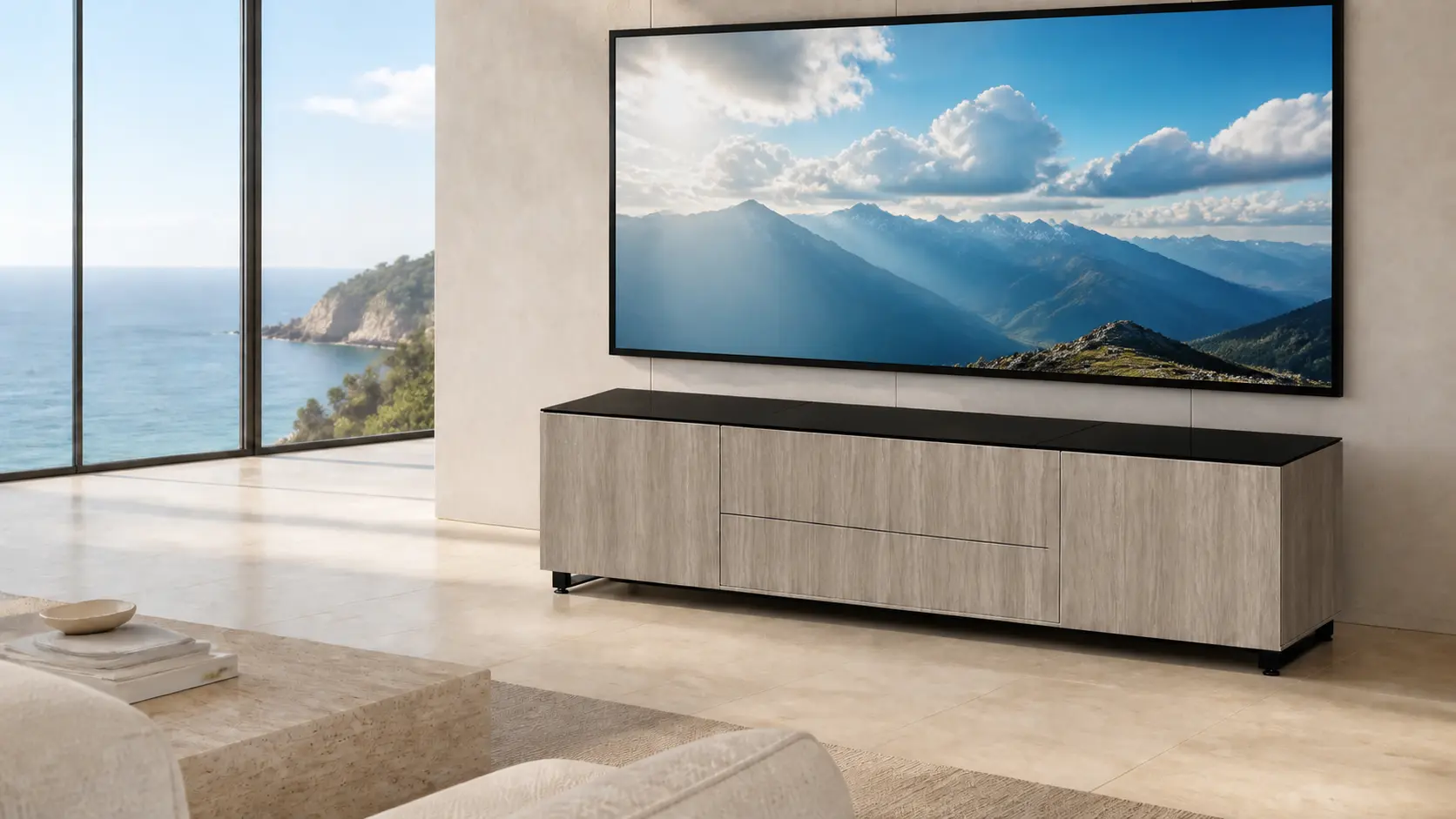 Projector geometry · Cooling · Audio · Service access
Built for real integration work
Start with the display strategy and equipment list. Aegis helps establish the correct cabinet family, projector position, ventilation, wiring, and custom requirements before production.
Use the Design Studio to choose the cabinet, finish, equipment zones, audio, cooling, and options, then create the project review.
Projector, screen, speakers, electronics, control, ventilation, and room geometry are checked as one working system.
Coordinate extensions, rack mounting, speaker integration, fireplaces, unusual equipment, and room-specific work directly with Aegis.

The same funnel, with dealer tools
Authorized dealers can build a customer configuration, review the equipment plan, access dealer pricing after login, and continue to a quote or order review.
New dealer inquiry
Send only the basics so the Aegis team can see who you are and what you do. If there is a fit, the full application, dealer agreement, and resale-certificate upload follow through the existing dealer workflow.